You have finished a GP consultation, your doctor has agreed that a prescription is appropriate, and you need to collect medicine without another appointment or paperwork. So, are eScripts sent by SMS? In many cases, yes. Your doctor can send an electronic prescription token to your mobile by SMS, allowing you to take it to a participating pharmacy when it suits you.
For many everyday healthcare needs, this is a practical alternative to managing a paper prescription. It can save a trip back to the clinic, reduce the risk of misplacing a script and help you organise treatment sooner. However, an SMS eScript is not automatic in every consultation. Your GP must first assess your health concern and decide whether a prescription is clinically safe and appropriate.
How SMS eScripts work in Australia
An electronic prescription, often called an eScript, is a digital version of a paper prescription. When your doctor issues one, you may receive a unique prescription token by SMS or email. The token is usually a link or barcode that the pharmacist can scan or access to dispense your medication.
The SMS is not simply a text listing your medicine. It is a secure way of delivering the prescription token to you. Your pharmacist uses that token to retrieve the prescription through Australia’s electronic prescribing system and dispense the medication in the usual way.
You can show the SMS on your mobile at the pharmacy. If you prefer, you may be able to forward the token to your chosen pharmacy before you arrive, depending on the pharmacy’s process. The pharmacist will still check the prescription, discuss the medicine where needed and provide the usual advice about taking it safely.
For patients, the experience is straightforward: speak with a GP, receive advice, and, where clinically appropriate, receive your prescription token on your mobile. No printer, paper script or app download is necessarily required.
Are eScripts sent by SMS after every telehealth appointment?
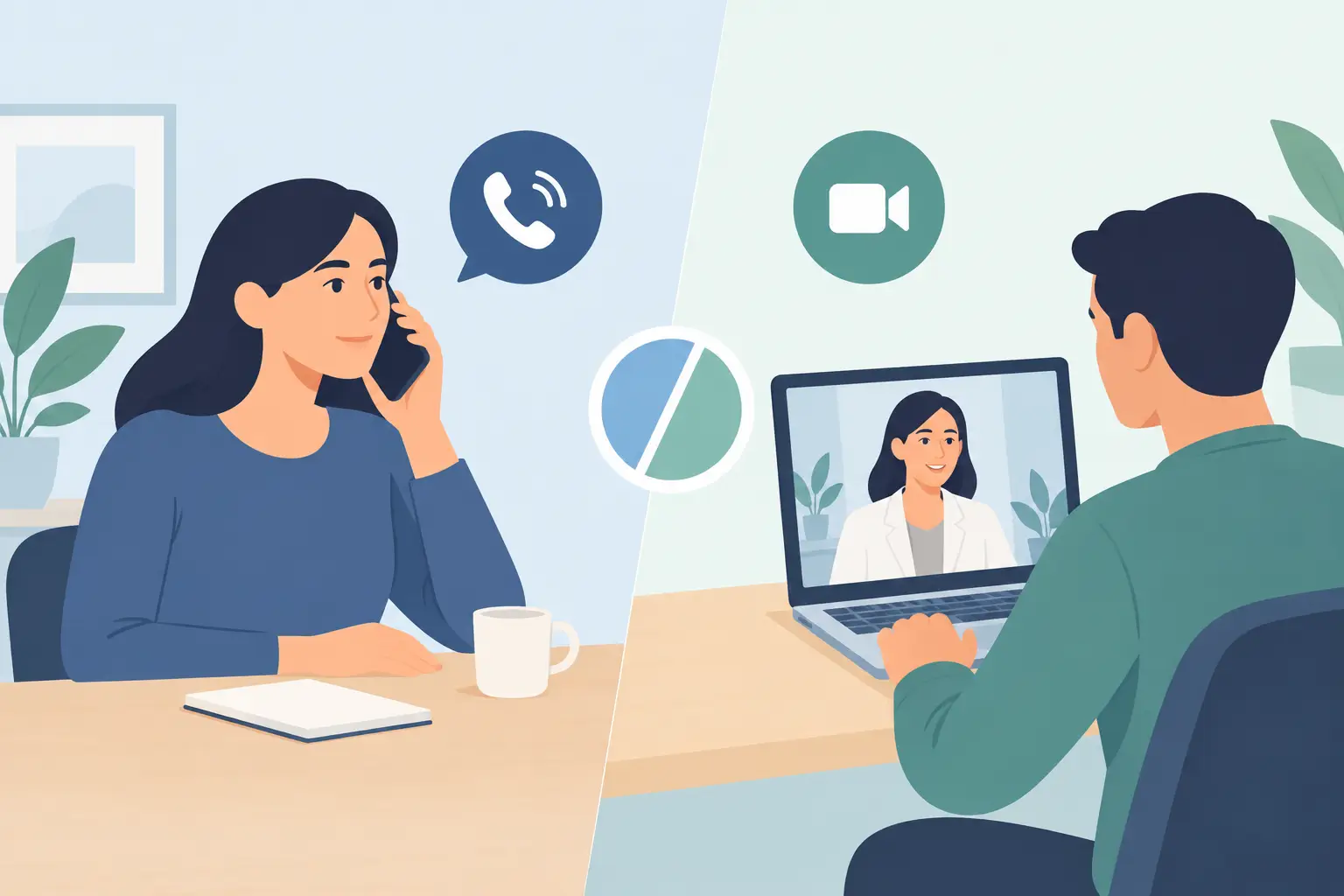
Not always. An SMS eScript may be available after a phone or video consultation when the doctor considers it appropriate, but a consultation does not guarantee a prescription. Australian-registered GPs have a responsibility to make treatment decisions based on your symptoms, medical history, current medicines and any safety concerns.
Sometimes a GP may recommend self-care, arrange a pathology request, provide a medical certificate, suggest an in-person examination or refer you to another service instead. This is particularly relevant when symptoms could indicate a more serious condition, when a physical assessment is needed, or when prescribing remotely would not be safe.
Some medicines also have additional prescribing requirements. A doctor may need more information, a follow-up review or an in-person assessment before issuing certain prescriptions. This protects patients and supports appropriate use of medicines.
At TeleDoc, consultations are provided by fully licensed Australian GPs. If the doctor is unable to help with your request, you receive a full refund. The focus is on giving clear, practical care for non-emergency health concerns, not issuing prescriptions without proper clinical assessment.
What you need to receive an eScript by SMS
The most common reason an eScript does not arrive by SMS is a simple contact-detail issue. Before your consultation, check that you have provided the correct Australian mobile number and that your phone can receive text messages.
You will also need a suitable pharmacy to dispense the medicine. Most community pharmacies can handle electronic prescriptions, but it is sensible to contact your preferred pharmacy if you are unsure, particularly in a regional area or if you need the medication urgently.
Keep your mobile with you after the appointment and check your messages, including any blocked-message settings. Delivery can be prompt, but timing can vary depending on the consultation and prescription process. If you have not received the token after the timeframe advised by your doctor, contact the provider rather than booking a second consultation straight away.
Using your SMS eScript at the pharmacy
Once the SMS arrives, avoid deleting it until your medication has been dispensed. Open the message at the pharmacy and show the pharmacist the token or barcode. They will use it to access the prescription and prepare the medicine.
The process is similar to presenting a paper script, with one key difference: the token is the access point to your electronic prescription. Treat it carefully. Do not post screenshots of it online or send it to people who do not need access to your medication.
If you are collecting medicine for someone else, the pharmacy may still be able to help, but they may need the token and relevant patient details. Pharmacy staff can explain what they require.
What about repeats?
If your prescription includes repeats, your pharmacist will explain how the next token is managed. In many cases, a new electronic token can be sent after each supply. The exact process depends on the prescription and pharmacy system, so ask when you collect your first dispense if you are unsure.
For ongoing medicines, do not wait until you have run out before arranging a repeat prescription consultation. Allow time for your GP review, prescription processing and pharmacy dispensing, especially before weekends, public holidays or travel.
SMS or email: which option is better?
Both can be useful. SMS is often the quickest choice because most people have their mobile with them when they visit a pharmacy. It is convenient if you are out, at work or managing care for a child.
Email may suit you if you prefer to keep health-related documents in one inbox or if your mobile reception is unreliable. However, make sure you can access the email securely when you need to collect your medicine.
The best option depends on how you manage your digital records and which contact details are most reliable. If privacy is a concern, consider turning off message previews on your lock screen. That way, others cannot read the content of incoming health-related messages if they see your phone.
What to do if your eScript SMS has not arrived
First, confirm that the consultation has finished and that the GP advised a prescription would be issued. Then check the mobile number you supplied, restart your phone if messages are delayed and look for blocked or filtered texts.
If the token is still missing, contact the healthcare provider that issued the prescription. They can check whether the eScript was sent to the correct number and advise on the next step. Do not rely on an old SMS token if you are unsure whether it is current, as a pharmacist needs an active, valid prescription to dispense medication.
If your symptoms are getting worse, you have a severe reaction, or you need urgent medical attention, seek immediate care. eScripts are designed for appropriate routine treatment, not emergencies.
A simpler way to manage everyday prescriptions
Electronic prescriptions make routine healthcare more practical, particularly when fitting an appointment around work, family, study or distance from a clinic. They do not replace a GP’s judgement, but they can remove unnecessary friction once a doctor has decided that medicine is the right next step.
Keep your contact details current, have your mobile nearby after your consultation and choose a pharmacy you can access easily. When a prescription is clinically appropriate, receiving the token by SMS can help you move from medical advice to treatment without adding another waiting room to your day.